Convert PNG to PES: The Simple Guide Most Beginners Need!
A PNG file is easy to view, share, and use in digital design. But if you want to stitch that design on fabric, your embroidery machine needs more than an image. It needs a PES embroidery file that tells the machine how to sew the design with thread.
This guide explains the full process in simple language. You will learn what a PNG file is, what a PES file does, why direct file conversion is not enough, and how to get better embroidery results.
Direct Answer
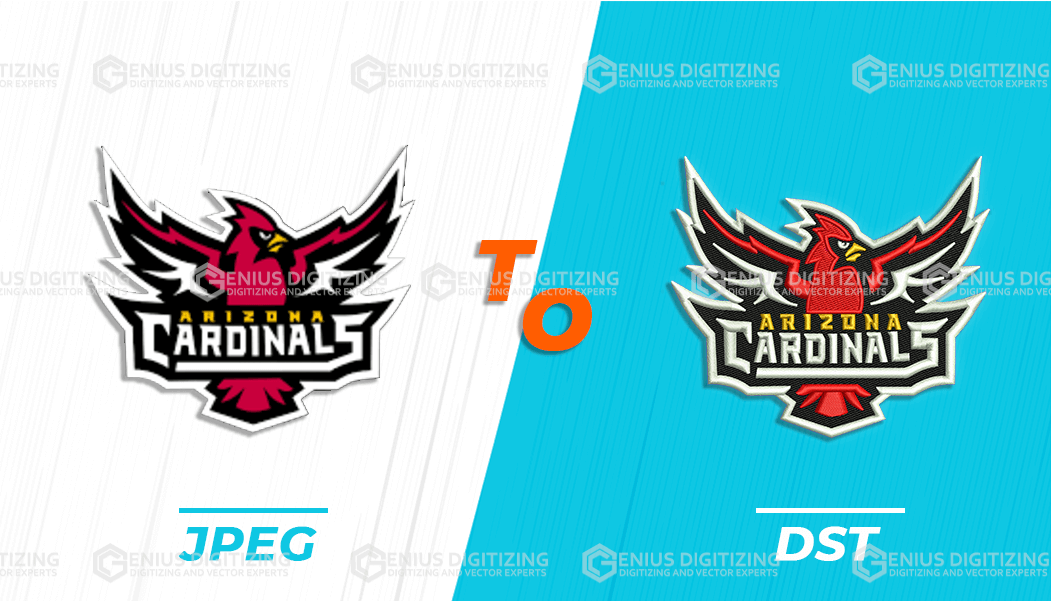
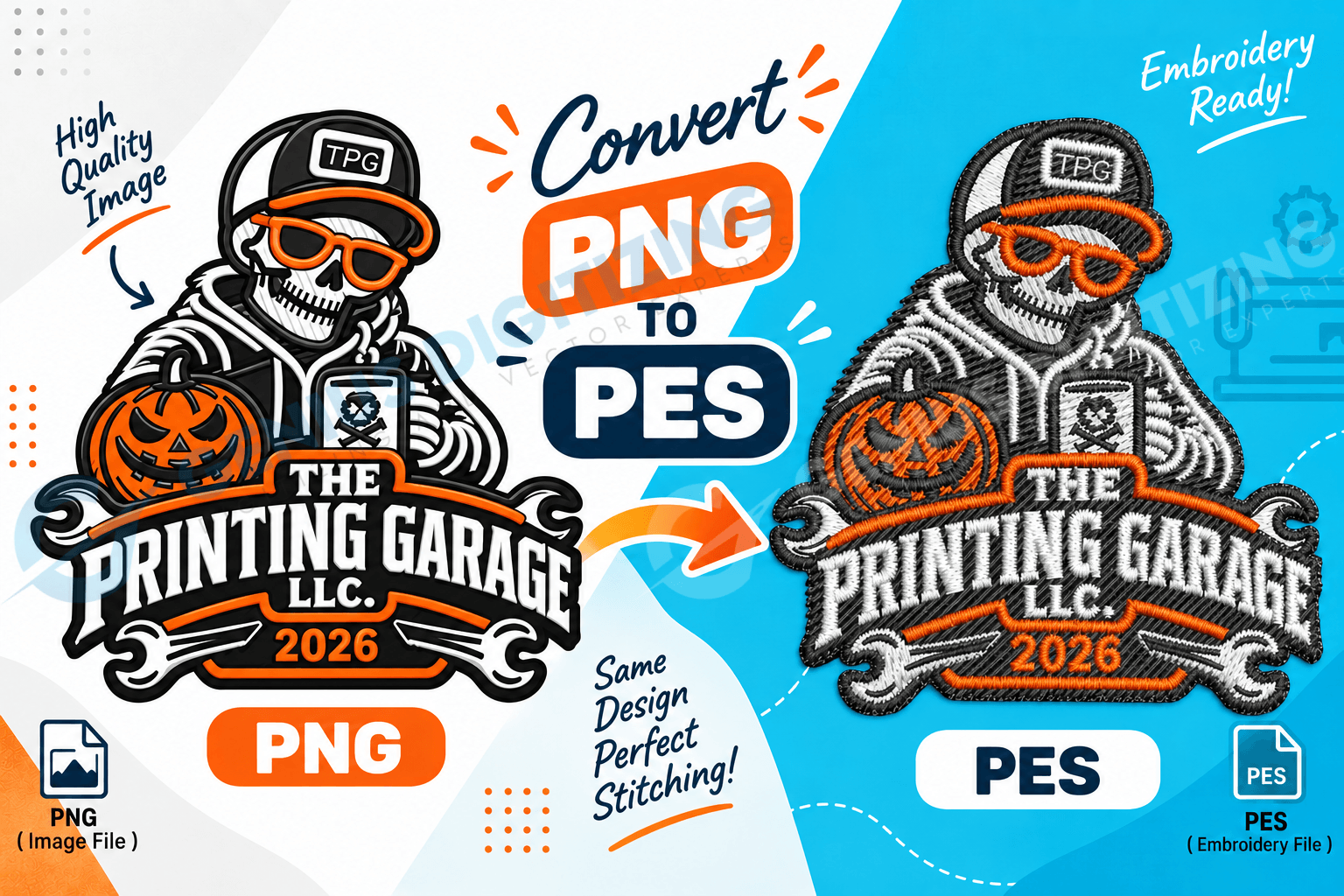
To convert png to pes, the PNG image must be changed into embroidery stitch instructions. A PNG shows the artwork, while a PES file tells the embroidery machine where to sew, when to stop, and how to build the design on fabric. This process is called embroidery digitizing.
What Is a PNG File?
A PNG is a common image file. It is often used for logos, icons, graphics, and artwork because it can keep a clean background and sharp design edges.
Many people use PNG files because they are easy to send to designers, printing companies, and online stores. A PNG can also support a transparent background, which makes it useful for logos and product mockups.
However, a PNG is still only an image. It does not contain stitch paths, thread movement, machine stops, or embroidery instructions. That is why it cannot be used directly by most embroidery machines.
What Is a PES Embroidery File?
A PES file is an embroidery file format commonly used by Brother embroidery machines and some compatible machines. It is not just a picture. It contains sewing information that helps the embroidery machine stitch the design on fabric.
A PES file may include stitch placement, design layout, thread color information, and stitch order. These details help the machine understand how to create the design with thread.
In simple terms:
|
File Type |
Main Purpose |
Can an Embroidery Machine Sew It Directly? |
|
PNG |
Shows a digital image |
No |
|
JPG |
Shows a digital photo or design |
No |
|
SVG |
Shows vector artwork |
No |
|
PES |
Gives embroidery stitch instructions |
Yes, on supported machines |
This is why a PNG must be digitized before it becomes useful for machine embroidery.
Why Can’t You Use a PNG Directly for Embroidery?
You cannot use a PNG directly because embroidery machines do not read images the way computers do. A computer sees pixels. An embroidery machine needs stitch instructions.
The machine must know:
- Where each stitch should go
- What stitch type to use
- How dense the stitches should be
- Which part of the design should sew first
- When to trim thread
- When to change color
- How the design should sit on the fabric
A PNG file does not provide this information. Even if the artwork looks clean on screen, it still needs to be planned for thread, needle movement, and fabric behavior.
This is especially important for logos, names, badges, caps, patches, uniforms, and custom clothing.
When Should You Turn a PNG Into a PES File?
You should prepare a PES file when your PNG artwork needs to be stitched on fabric using a PES-compatible embroidery machine. This is common for:
- Company logos
- Staff uniforms
- School badges
- Sports team apparel
- Custom caps
- Jackets
- Tote bags
- Patches
- Aprons
- Personalized gifts
It is better to prepare the embroidery file before production starts. This gives you time to check the size, thread colors, design details, and stitch quality.
If you are placing a bulk order, this step becomes even more important. One poor file can affect every item in the order.
Where Can You Create a PES File From PNG Artwork?
You can create a PES embroidery file through embroidery digitizing software or a professional digitizing service.
Software may be useful if you want to learn the process yourself. Some programs allow you to import PNG artwork and create embroidery stitches. However, the results depend on your skill and the software features.
Automatic tools may seem fast, but they often struggle with small text, thin lines, shadows, gradients, and detailed designs. A file may look fine in preview but stitch badly on real fabric.
Professional digitizing is usually better for important designs. A trained digitizer can adjust the stitch direction, density, order, and fabric settings so the design works better in real embroidery.
Who Needs a PES File?
A PES file is useful for anyone who wants to stitch a design on a Brother or PES-compatible embroidery machine. This may include:
- Home embroidery users
- Clothing brands
- Small businesses
- Embroidery shops
- Schools and colleges
- Sports teams
- Uniform suppliers
- Online merch sellers
- Event companies
If you are only showing the design online, a PNG is enough. But if the design needs to be stitched on fabric, you need a machine-ready embroidery file.
A good PES file can also be reused later. For example, a business logo can be saved and used again for future uniforms, caps, bags, or patches.
How Does the Conversion Process Work?
The process is not the same as saving an image in a new format. The PNG artwork must be rebuilt as a stitch plan. Here is how the process usually works:
- The PNG artwork is reviewed.
- The final embroidery size is confirmed.
- The fabric type is checked.
- The design is traced into stitch areas.
- Stitch types are selected for each section.
- Stitch direction and density are adjusted.
- Thread colors are matched as closely as possible.
- The file is saved in PES format.
- A preview is checked.
- A test sew-out may be done before full production.
This process helps reduce common embroidery problems such as thread breaks, messy outlines, gaps, puckering, and unreadable text.
What Makes a Good PNG for Embroidery?
A good PNG should be clear, sharp, and easy to read. Simple designs usually stitch better than very detailed images. Before sending your file, check these points:
|
Good for Embroidery |
May Cause Problems |
|
Clean logo |
Blurry screenshot |
|
Bold text |
Very tiny letters |
|
Simple shapes |
Too many small details |
|
Clear color areas |
Heavy shadows |
|
Strong outlines |
Thin hairline borders |
|
High-resolution file |
Low-quality image |
If your PNG has a transparent background, that can be helpful. It makes the design easier to separate from the background. But transparency alone does not make it embroidery-ready. The file still needs proper stitch planning.
What Mistakes Should You Avoid?
Do not rename the file extension and expect it to work. Changing a PNG file name into a PES file name does not create real embroidery data.
Do not use very small text unless it is necessary. Small letters can close up during stitching, especially on textured fabric.
Do not ignore fabric type. A design for a flat cotton shirt may need different settings than a design for a cap, towel, fleece jacket, or denim item.
Do not skip the test stitch if the order is important. A screen preview is useful, but real stitching shows how the design behaves on fabric.
Quick Checklist Before Production
Before using the final PES file, check:
- Is the size correct?
- Does it fit the hoop area?
- Are the thread colors clear?
- Is the text readable?
- Are the outlines clean?
- Is the stitch count reasonable?
- Has the file been tested on similar fabric?
These checks can save time and prevent costly mistakes.
Wrapping UP
Turning PNG artwork into a PES file is not just a simple format change. It is the process of changing a digital image into a stitch-ready file that an embroidery machine can follow.
At Genius Digitizing, we help businesses, embroidery shops, clothing brands, and creators across the USA prepare high-quality PES embroidery files at affordable prices. Our goal is to make your logo, patch, cap design, uniform artwork, or custom design stitch smoothly and look professional on real fabric.
Good digitizing can save time, reduce production issues, and improve the final look of your embroidery. Start with clean artwork, confirm the right size, test the file, and choose expert support when quality matters.
FAQs
Is a PNG better than a JPG for embroidery?
A PNG can be better if it has a clean background and sharp design edges. However, both PNG and JPG files still need digitizing before embroidery.
Can free software make a PES file from a PNG?
Some free or trial tools may help, but results can vary. Simple designs may work better than complex logos. For professional embroidery, manual digitizing usually gives better results.
Why does the stitched design look different from the PNG?
Embroidery uses thread, not pixels. Thin lines, small text, shadows, and gradients may need to be changed so the design can stitch clearly on fabric.
Do PES files work on every embroidery machine?
No. PES files are mainly used by Brother and some compatible machines. Other machines may need formats such as DST, JEF, EXP, VP3, or HUS.