What Is Vector Artwork? – All You Need to Know About the Art of Illustration
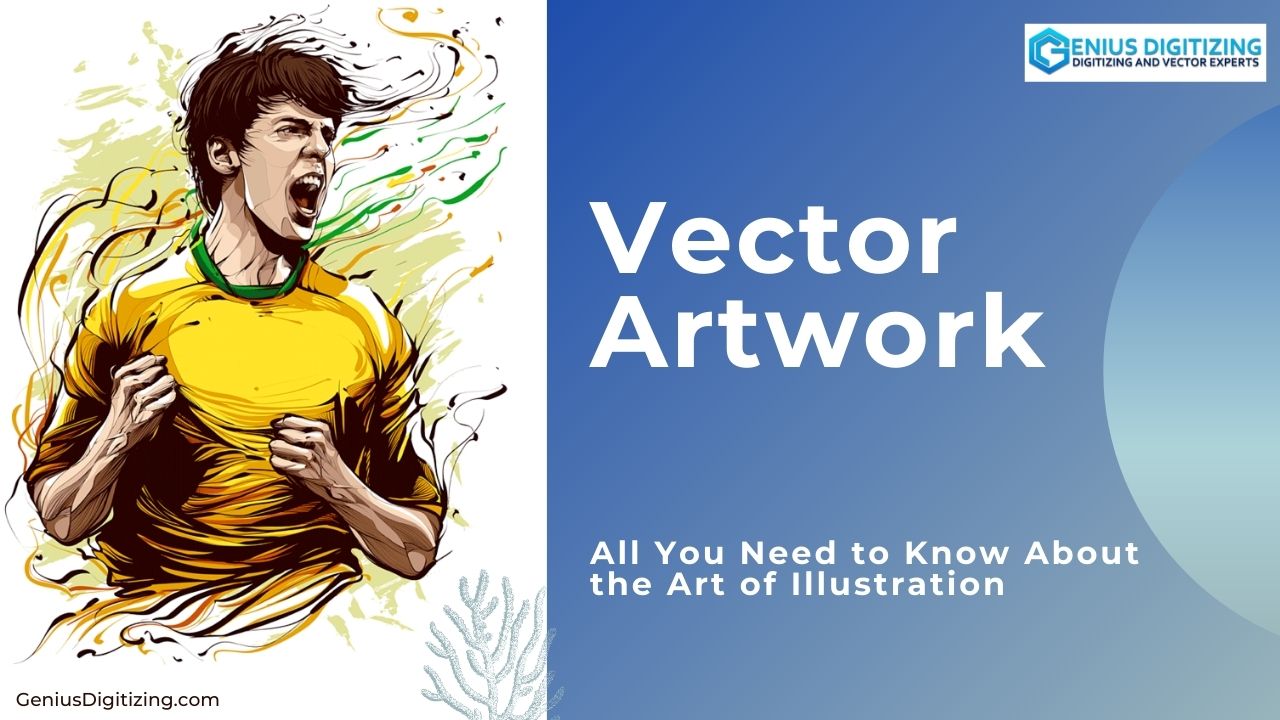
Before learning what vector artwork is all about, you must know what it means. Vector artworks are computer generated graphics images based on mathematical formulas, created by connecting points, lines and curves to draw different shapes and forms. You may use any medium or software that you like, but it is the notion, concept, or idea, behind your creations that help make your creations stand out. To master the vector artwork, one must learn how to create a vector artwork. The best way to start is to think, wonder and observe, and document everything that comes into your mind. Put your ideas down on a piece of paper. Smart Guides lets you arrange objects and align shapes and nodes very quickly, and saves you a lot of time. Mastering the Pathfinder tool will enable you to create shapes quickly and easily, without the arduous use of the Pen tool.
Always keep track of your layers and keep your workspace tidy and minimal. In order to become a good professional and provide the best vector artwork services to your client, always ask them about the final image. If there are many layers and you do not want to move them to a new artwork individually, you can simply crop your artwork to the shape drawn. Draw a large rectangle over the final image, Ctrl+ right-click, and select 'Create a Clipping Mask'. Learning the Bezier tools and mastering the pen tool is essential especially when working with a Wacom tablet. This is quiet time-consuming to learn, but super-efficient to get accurate lines and shapes. Use the Alt/Option key to drag-off a copy, instead of copy pasting.
Learn About What is Vector Artwork
Learn the tool shortcuts to save time. Start out correct, and learn the technology that will produce the work. Do not be afraid to mix it up. Add or remove elements to make your desired composition. Ponder about an image for some time before you start illustrating. Vector conversion as a TIFF is helpful. Work in CMYK from the beginning and even if the final image is a vector artwork, try sending it as a TIFF to avoid any kind of colour problem or spontaneous change in colour or composition. To provide the best vector artwork service, consistency in your style and in every element of your illustration is essential. Adding differing styles, and lots of jarring shapes, will rob your vector artwork of authority.
Research and know your audience, because it is extremely important that you reach the right people and deliver your message to the target audience. Never depend too much on stock vector artwork since they are extremely overused, and it becomes apparent when employed in a vector artwork. Illustrator has an attractive collection of color swatches. Many of the obvious methods can create expected results, as everyone uses these tools. By experimenting, you can create vector artworks that are more original.
Tips to Achieve Desired Vector Artwork
Attention to detail is very vital. If you are creating a cloudy sky scene, rather than creating one cloud and copy pasting, try resizing or flipping and experimenting with hues, tones and shades, to create a series of unique clouds. Photoshop, collage techniques, or available photograph compositions help produce different effects in an illustration. Use as many shortcuts as possible. It makes Illustrator more convenient. Even though it may seem like an easy option, never use the Auto Trace tool in Illustrator, or trace shapes, it makes your vector artwork look obvious and unprofessional.
Lastly, do not send it right away. After working for so long and concentrating on an image, it is usually a good idea not to look at the final image for about a day. Come back to a project with fresh eyes to see any final changes that the vector art may require. Hopefully, these tips will help you make the most out of Illustrator and take your vector artwork to the next level. If you are looking for best quality and professional vector artwork, head on to "Genius digitizing". They provide you with all the assistance and design that you may need.