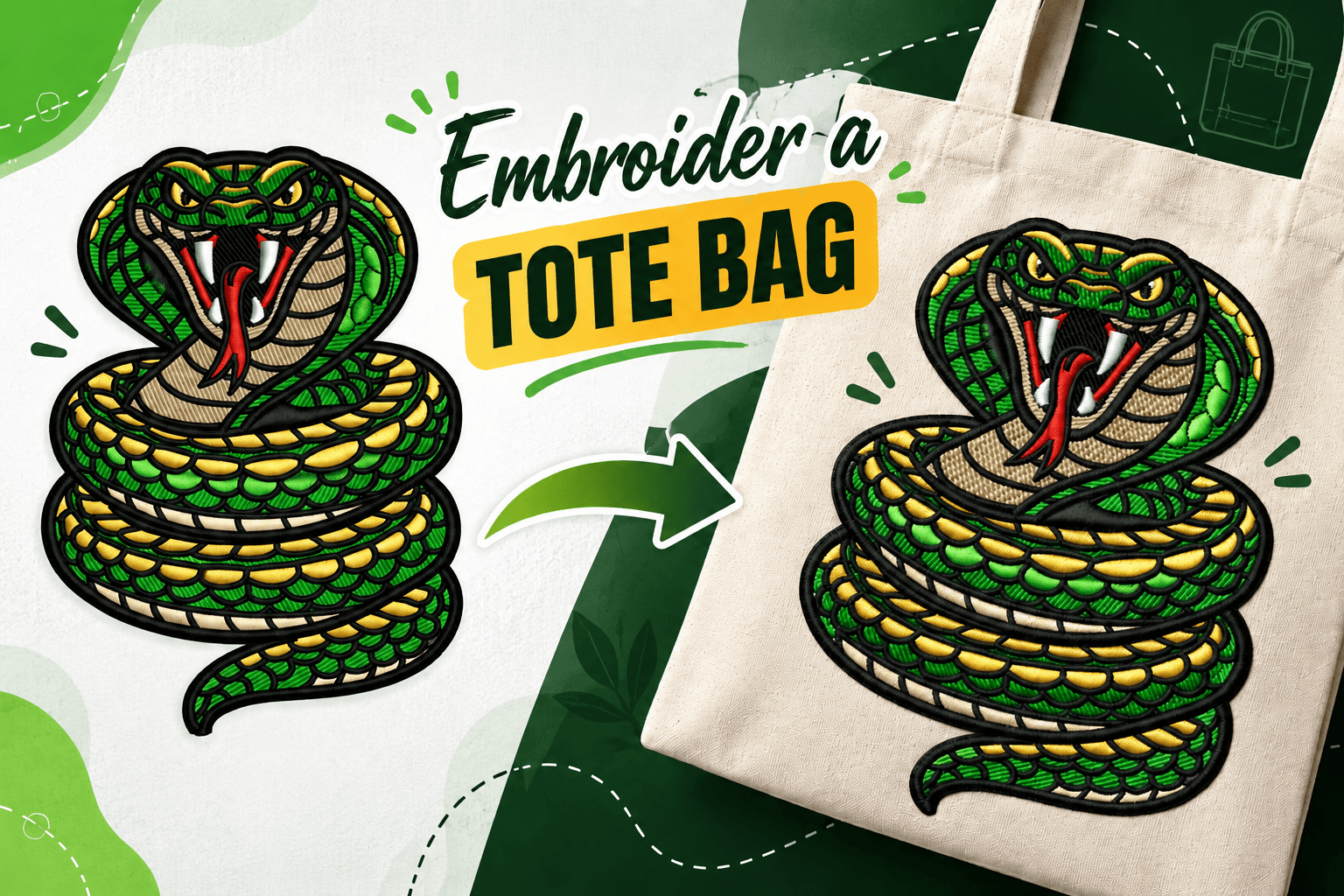
How to Embroider a Tote Bag Like a Pro: Machine Embroidery Step-by-Step
Tote bags are among the most popular and practical items to personalize with machine embroidery. Offering a large, flat surface area, canvas and cotton totes are perfect for corporate logos, monograms, event merchandise, and custom gifts. While machine embroidery on a tote bag seems easier than embroidering caps or jackets, achieving clean, professional results requires exact preparation.
Mastering tote bag embroidery depends on five critical factors: fabric support, placement, hooping technique, design scale, and the quality of your digitizing file. Skimping on setup often leads to puckered fabric, crooked logos, thread breaks, or accidentally stitching the front and back of the bag together.
Key Takeaways
- Best Fabrics: Medium-to-heavy canvas and cotton totes are the easiest and most stable materials for machine embroidery.
- Stabilizer Selection: Use tear-away for heavy canvas and medium cut-away stabilizer for lightweight or stretchy cotton totes.
- Avoid Accidental Stitching: Always isolate the back panel, handles, and lining away from the embroidery hoop area using clips or pins.
- Hooping vs. Floating: Direct hooping provides maximum control, but "floating" on hooped sticky stabilizer works best for stiff or small totes.
- File Quality: A properly digitized embroidery file with correct underlay and density is essential to prevent fabric distortion.
What Is the Best Way to Embroider a Tote Bag?
The core process for tote bag machine embroidery is straightforward: choose a suitable design, determine ideal placement, mark the center point, attach the correct stabilizer, hoop the front panel securely, load a machine-ready file, and stitch while keeping the back panel clear of the needle plate.
However, successful embroidery relies 90% on preparation before hitting the "Start" button. Proper stabilization and hooping serve as the foundation. When paired with a professional embroidery file, your machine can run smoothly without skipped stitches or registration errors.
What Type of Tote Bag Works Best for Machine Embroidery?
Heavy canvas totes (10oz to 12oz) are ideal for beginners and commercial embroiderers alike. Canvas provides built-in structural stability that easily supports medium-to-dense stitch counts. Standard lightweight cotton totes also work well but require stronger stabilizer backings to prevent wrinkling around the design border.
Before selecting a tote bag for your project, evaluate these features:
- Fabric Thickness & Texture: Heavier fabrics handle complex, filled logos better than thin, woven cotton.
- Pockets & Seams: Avoid placement directly over thick side seams or inner pocket zippers that interfere with hoop alignment.
- Pre-Shrinking (Pro Tip): Cotton and canvas totes shrink when washed. Pre-steam or pre-wash cotton totes to avoid post-embroidery puckering.
Tote Bag Embroidery Placement Guide
A common mistake in custom apparel decoration is placing the design in the exact geometric center of the bag. Handles, bottom gussets, and visual weight make a mathematically centered design appear too low once the tote is loaded or worn over the shoulder.
Use this placement guide for optimal visual balance:
| Design Location | Recommended Measurement | Best Suited For |
|---|---|---|
| Upper Center | 2" to 3" below the top seam or handles | Brand logos, business names, and chest-style crests |
| Center Front | Dead center of the visual flat space | Large graphics, seasonal artwork, and quote designs |
| Lower Corner | 1.5" to 2" away from bottom/side seams | Small monograms, initials, and subtle icons |
| Pocket Area | Centered on front pocket panel | Minimalist branding and promotional merchandise |
SEO Tip: Always print a 1:1 scale paper template of your digitized design and tape it to the tote bag before hooping to verify visual positioning.
How to Select the Right Stabilizer for Tote Bags
Stabilizer supports the fabric weave while the needle pierces the material thousands of times. Selecting the wrong backing leads to puckered outlines and misaligned fills.
| Tote Bag Fabric Type | Recommended Stabilizer | Needle & Thread Recommendation |
|---|---|---|
| Heavy Canvas (10oz+) | Medium Tear-Away (1.5oz to 2.0oz) | 75/11 or 80/12 Sharp Needle | 40wt Polyester Thread |
| Lightweight Cotton | Medium Cut-Away (2.0oz to 2.5oz) | 75/11 Ballpoint / Universal Needle | 40wt Polyester Thread |
| Jute / Burlap Totes | Cut-Away Backing + Water-Soluble Topping | 80/12 Sharp Needle | 40wt Polyester Thread |
| Polyester / Nylon Totes | No-Show Mesh Cut-Away | 75/11 Sharp Needle | 40wt Polyester Thread |
Hooping vs. Floating a Tote Bag: Which Method Should You Use?
When preparing your tote for the embroidery machine, you have two primary options for securing the bag in the hoop:
Method 1: Direct Hooping (Best for Standard Totes)
Clamp both the stabilizer and the front fabric panel directly between the inner and outer hoop rings. Ensure the fabric is taut like a drum skin, but do not stretch the material out of shape. Keep the back panel, lining, and handles pulled underneath and out of the hoop's pathway.
Method 2: Floating the Tote (Best for Stiff Canvas or Small Bags)
If your tote bag is too thick or small to hoop directly without hoop burn (ring marks), use the "floating" technique. Hoop a layer of self-adhesive sticky stabilizer (or tear-away sprayed with temporary fabric adhesive), score the release paper, and firmly press the flattened tote bag onto the exposed sticky backing. Use painter's tape or pins outside the stitch area for extra security.
Step-by-Step Tote Bag Embroidery Tutorial
- Print Your Template: Print out a physical alignment template from your embroidery software at 100% scale.
- Mark Center Point: Use a air-erasable fabric pen or chalk marker to draw crosshairs on the tote bag.
- Isolate the Back Panel: Unfold the bag completely. Roll or clip the back panel, lining, and straps away from the stitching zone using binder clips.
- Stabilize and Hoop: Hoop your stabilizer with the front panel of the tote (or float on sticky backing).
- Load the Machine: Slide the hoop arm onto your single-needle or multi-needle embroidery machine, double-checking that no excess fabric is bunched under the throat plate.
- Trace the Design: Perform a trial trace or frame-check command on your machine console to ensure the presser foot clears all seams and handle rivets.
- Stitch & Monitor: Start the machine at a moderate speed (approx. 500–600 SPM) and watch the first few underlay passes.
- Finishing Touches: Remove the hoop, trim jump stitches, tear or cut away backing, and gently press the reverse side of the design with a pressing cloth.
Why Quality Embroidery Digitizing Matters for Tote Bags
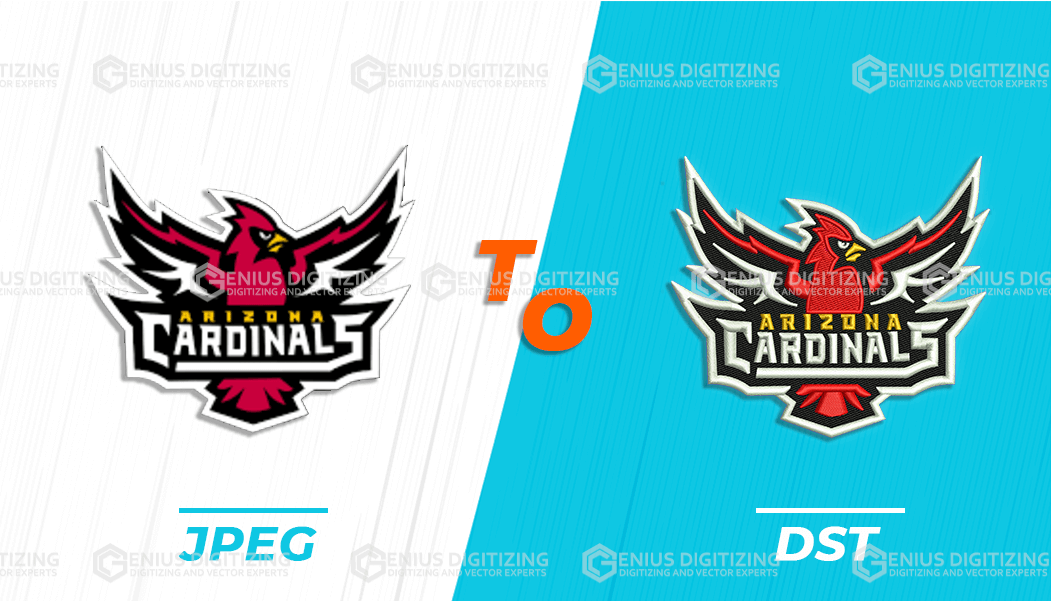
Even perfect physical setup cannot overcome a poorly digitized file. Standard image graphics (JPG, PNG, PDF) must be converted into machine-readable embroidery files (DST, PES, EXP) tailored to canvas or cotton properties.
Professional digitizing balances density and underlay. Excessively dense fills push fabric outward, creating wave-like puckering around borders. Conversely, weak underlay causes stitches to sink into coarse canvas weaves. Custom embroidery digitizing services ensure proper pull compensation and stitch pathing so logos remain crisp and flat.
Troubleshooting Common Tote Bag Embroidery Issues
- Fabric Puckering: Caused by stretching the fabric during hooping, insufficient stabilizer weight, or overly dense stitch files. Switch to a cut-away stabilizer and request lower density from your digitizer.
- Crooked Logos: Resulting from aligning with the bag's edges instead of marking true crosshairs relative to handles. Always use a printed template.
- Stitching the Bag Shut: A common beginner error. Use heavy-duty binder clips to clamp the back panel and handles completely out of the throat plate area.
- Needle Breaks on Heavy Seams: Slow your machine speed down when stitching near seam intersections, and upgrade to a sharp 80/12 or 90/14 needle.
Frequently Asked Questions (FAQ)
Can you embroider directly onto a canvas tote bag?
Yes. Canvas is an excellent material for machine embroidery due to its tight weave and inherent stability. Always back canvas with an appropriate tear-away or cut-away stabilizer to maintain crisp registration.
Do you need stabilizer when embroidering heavy canvas totes?
Yes. Even heavy 12oz canvas requires stabilizer. Needle penetrations cause fabric threads to shift; backing holds the weave in place and prevents distortion around letters and fill areas.
How do I avoid hoop burn on dark canvas bags?
Heavy hooping pressure can leave permanent white rings ("hoop burn") on dyed canvas or polyester totes. To prevent this, use magnetic embroidery hoops or float the bag on sticky stabilizer rather than forcing it into a tight plastic hoop.
What is the ideal design size for a standard tote bag?
For standard 15" x 16" tote bags, a design size between 4" x 4" (for upper-chest corporate logos) and 7" x 7" (for full front art) offers the best visual proportion.
How do I convert my company logo into a tote bag embroidery file?
To convert a digital logo into an embroidery file, you need specialized software or professional digitizing services. For machine compatibility across Tajima, Brother, and Janome equipment, visit our PNG to DST conversion guide to learn more.
Final Thoughts
Machine embroidery on tote bags is a highly profitable and rewarding skill for apparel decorators, commercial print shops, and hobbyists alike. By selecting the right stabilizer, isolating your panels, and using professionally digitized embroidery files, you can produce clean, durable tote bags every time.
At Genius Digitizing, we specialize in delivering precise, machine-ready embroidery files optimized for canvas, cotton, apparel, caps, and custom promotional products across the USA.